
Connecting Your Amazon Ads Account
Connecting your Amazon Ads account is the first step to using BookBidder. The process takes about 2 minutes and uses Amazon's official Login with Amazon (LWA) authorization. BookBidder never sees or stores your Amazon password.
Before You Start
Make sure you have:
- An active Amazon Advertising account (the same one you use at advertising.amazon.com)
- At least one Sponsored Products campaign, active or paused
- Access to the email address associated with your Amazon Ads account
How to Connect
Step 1: Log in to BookBidder at app.bookbidder.ai.
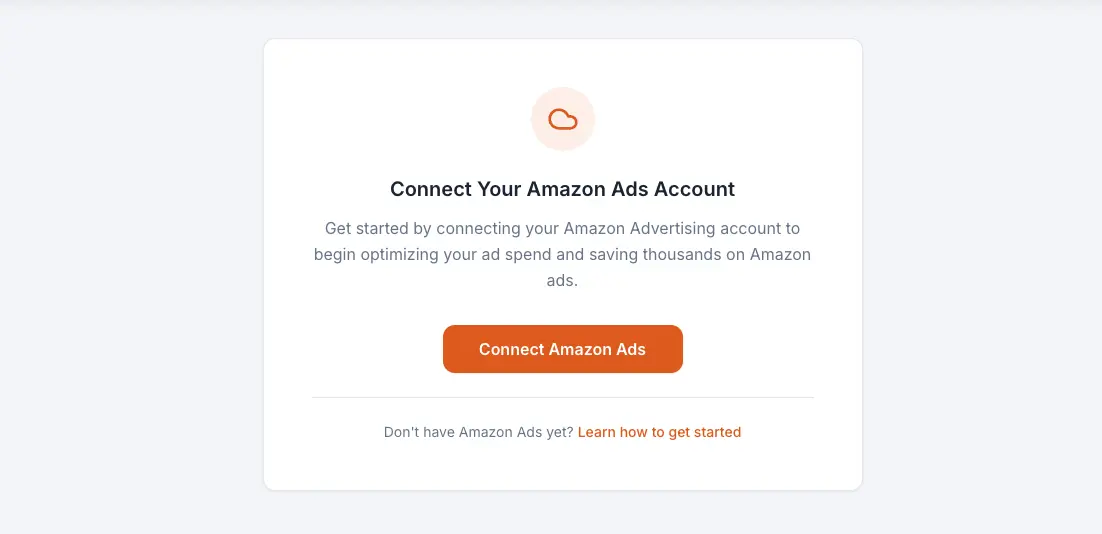
Step 2: Click "Connect Amazon Ads" on your dashboard. If this is your first time logging in, the onboarding flow will prompt you automatically.
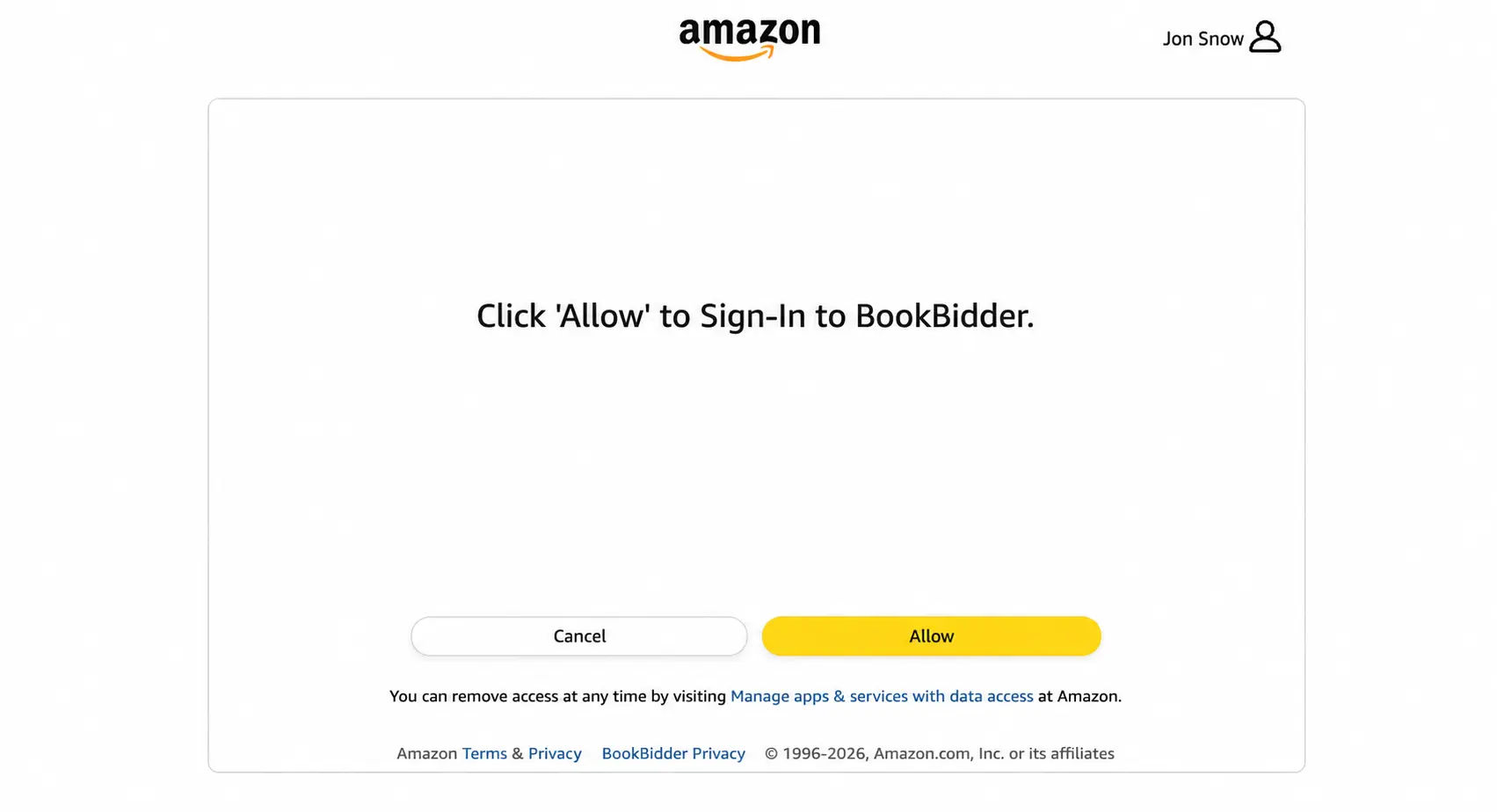
Step 3: You'll be redirected to Amazon's authorization page. Sign in with your Amazon Ads credentials and click "Allow" to grant BookBidder access to your advertising data.
Step 4: Amazon redirects you back to BookBidder. Your account is now connected.
What Happens After You Connect
BookBidder immediately begins syncing your campaign data. Here's what to expect:
Initial sync (first 1-4 hours): BookBidder imports your campaigns, ad groups, keywords, product targets, and search term data. It also pulls in the last 30 days of performance metrics so your dashboard has a meaningful baseline from day one.
Ongoing syncs: After the initial import, BookBidder syncs your data automatically on a regular schedule. You don't need to do anything. Your dashboard stays up to date.
Multiple Marketplaces
If you run ads in more than one Amazon marketplace (for example, US and UK), BookBidder detects and imports all of them automatically during setup. You'll see each marketplace represented in your dashboard.
SP Global Campaigns
You may notice some campaigns in your dashboard marked with a globe icon. These are SP Global campaigns, which Amazon creates and manages automatically on your behalf. BookBidder displays these as read-only since they can't be modified through the Amazon Ads API. You can still view their performance data.
Troubleshooting
"I authorized but my data isn't showing up."
The initial sync can take up to 4 hours for accounts with many campaigns. If your dashboard is still empty after 4 hours, try refreshing the page. If the issue persists, contact support.
"I have multiple Amazon accounts."
BookBidder connects to the Amazon Advertising account you sign in with during authorization. If you manage ads across multiple Amazon accounts, make sure you authorize with the correct one.
"I get an error during Amazon authorization."
Make sure you're signing in with the same credentials you use at advertising.amazon.com (not your regular Amazon shopping account, if they're different). Clear your browser cookies and try again.